 monthlet
monthlet is a note app where you write what comes to mind, ask for a note, and the AI writes it out — headings, tables, layout and all. Afterwards you can say “shorten this paragraph” or “add a table,” and only that part changes.
That convenience has a flip side. If you noticed afterwards that a rewritten note had something wrong in it, getting back to the earlier state was hard. There is undo, but it’s gone once you close the app. By the time you want yesterday’s version, nothing is left. If you wrote it yourself you can accept that. Not being able to go back when you left it to the AI and didn’t like the result is more of a problem.
So 0.10.0 adds note history.
What you can do now
Notes and spreadsheets are saved automatically before they’re overwritten. Open Version history… from the … in the toolbar, and you get a list of dates on the left and a preview of that version on the right. Choose the one you want, press Restore this version, and the note goes back to how it was at that point.
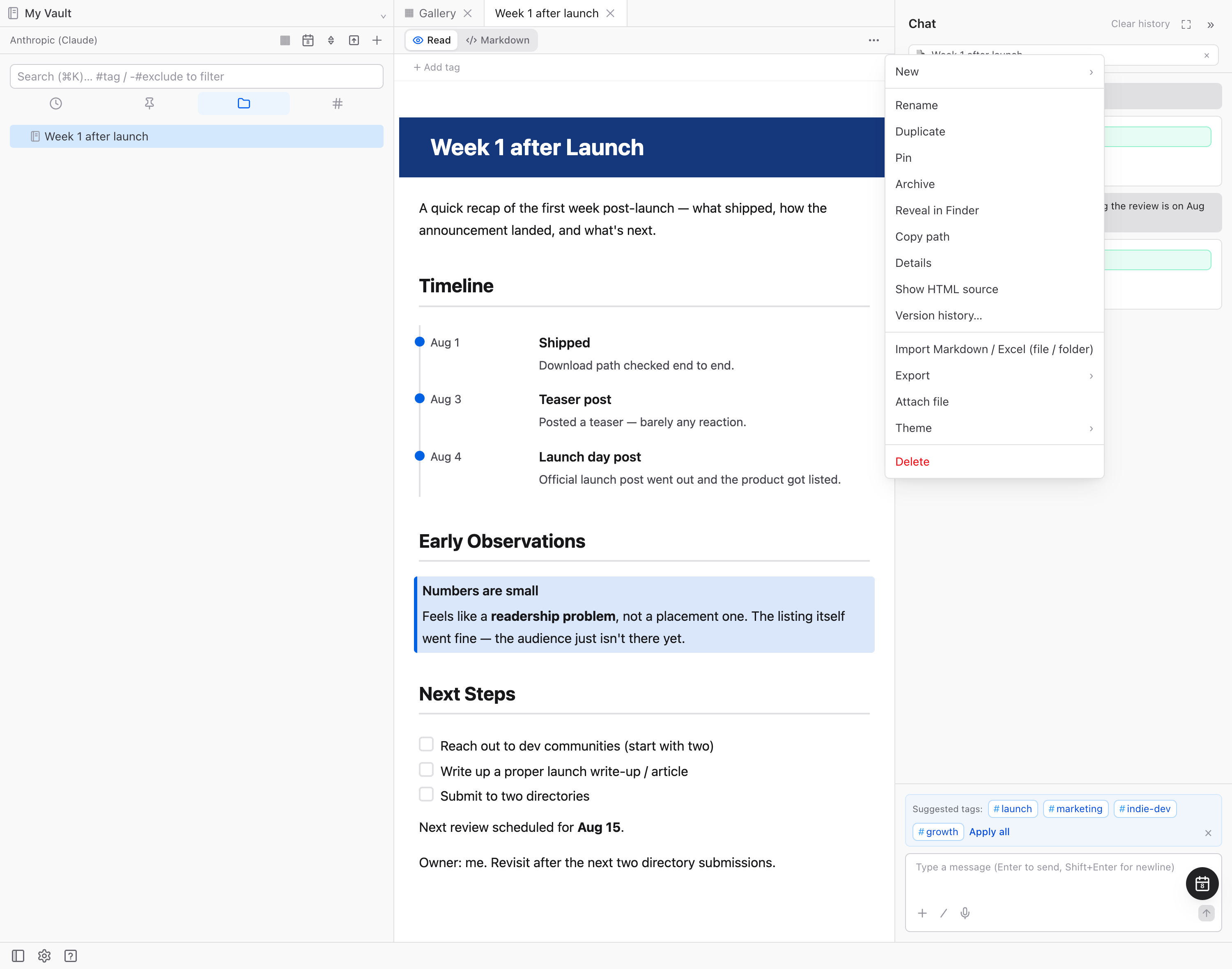
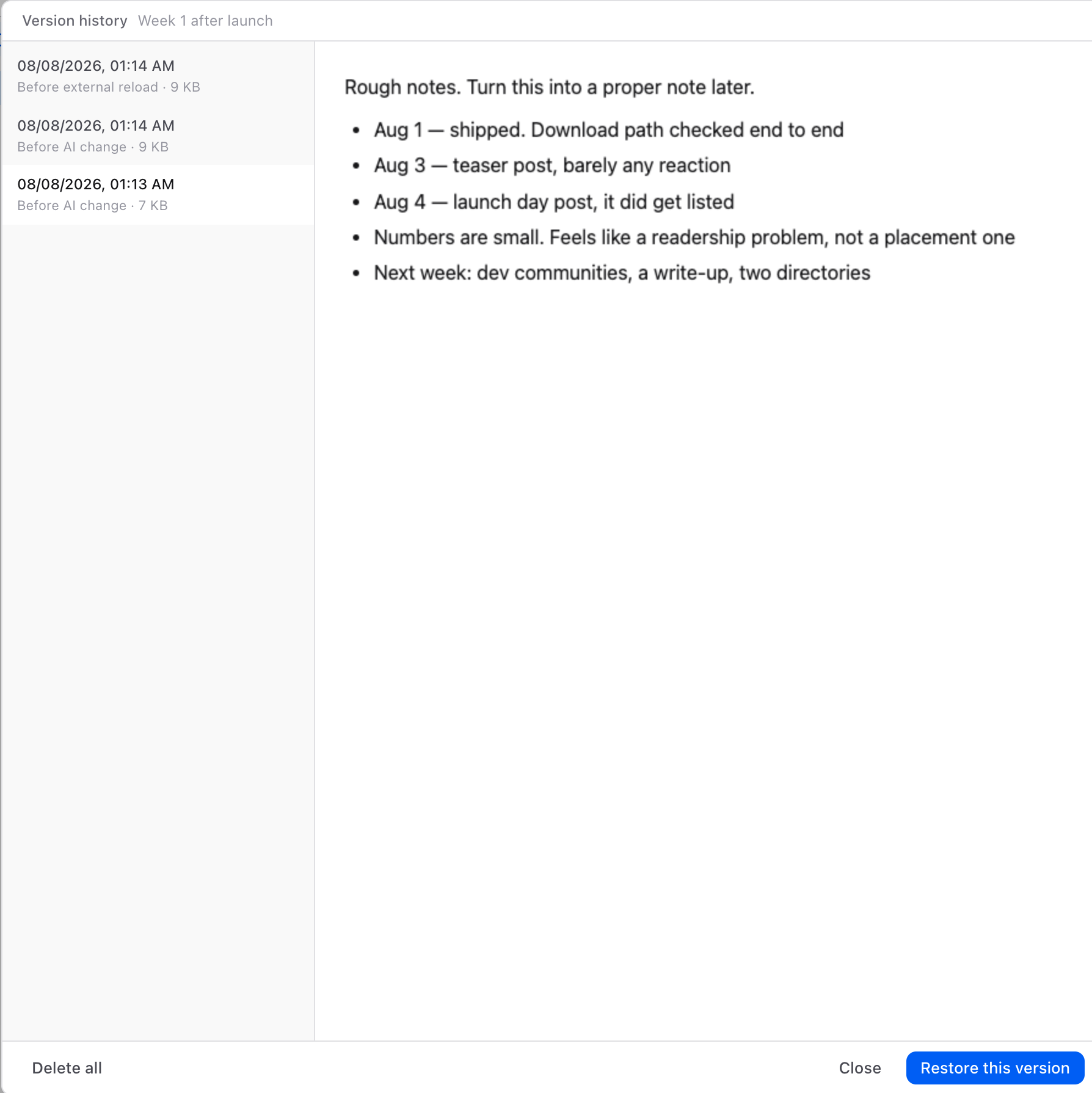
The screenshot above is history opened on a note that started as a rough brain-dump and was cleaned up by the AI. Select the oldest Before AI change entry and the original bullet list is still there, exactly as it was written.
What makes it different from undo is that it survives a restart. Yesterday’s version is there, and so is last week’s.
Entries are recorded in two ways. Edits are coalesced into one entry every 5 minutes by default. On top of that, a version is always recorded regardless of the interval, in these three cases:
- Before the AI rewrites a note
- Before a note changed outside the app is reloaded
- Before you restore an earlier version
The first is the one I most wanted. The moment before you ask the chat to rewrite something is always kept. If you don’t like the result, go back to it. Restoring records the state before it, too, so if you decide the newer version was better after all, you can go back again.
Here’s the whole thing in about a minute: a rough note cleaned up by the AI, restored to the state before the cleanup, and then forward again.
History stays on your disk
It’s stored inside your vault, as a compressed copy of the note itself, under the same folder structure as the note. Nothing is sent to a server anywhere. It’s the same idea as monthlet’s notes staying on disk as ordinary HTML files.
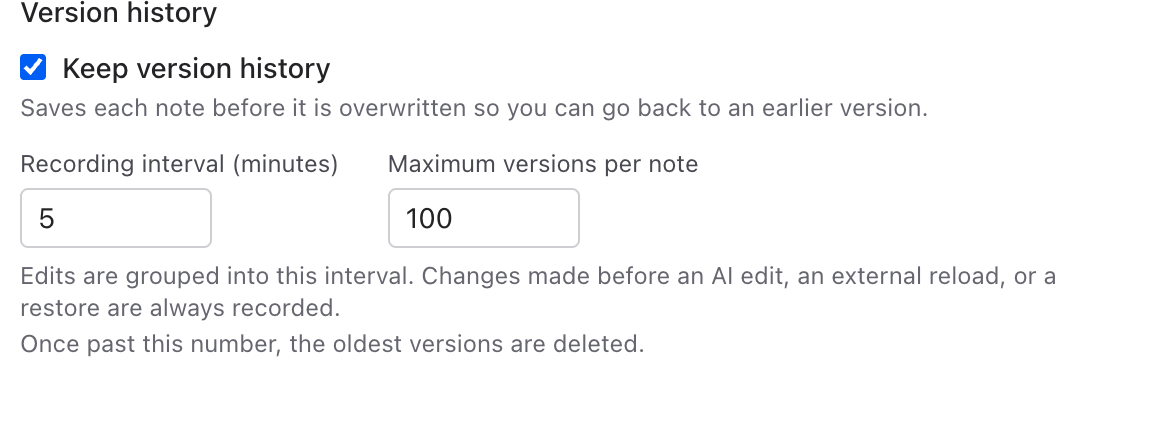
If you’re concerned about space, Settings → Vault has the controls: whether to keep history at all, the recording interval (1–60 minutes), and the maximum number of versions per note (100 by default, up to 1000). Past the maximum, the oldest are dropped. You can delete entries one at a time, or clear a note’s history all at once. Delete the note itself and its history goes with it.
What comes next
monthlet is a young app, and most of what I want to build is still untouched. Here’s some of what’s decided. The timing isn’t fixed, but none of it is far off.
Connecting to outside services. Working with data from other services, from your notes and from the chat. First, importing Google Sheets and reading and writing the calendar. Alongside that, support for MCP, the standard way of connecting external tools. The other direction — letting agents outside the app read and write monthlet notes — is designed as well.
Getting more out of notes. A note map that shows how notes connect, templates to copy from, a kanban board, and turning an existing note into slides.
More platforms. A Windows version is in progress, and an iPhone version after that (reading notes first).
monthlet AI. A way to use the app without bringing your own API key, and encrypted sync and backup across devices. These are planned as an additional subscription service; the app itself stays as it is and keeps working with your own key.
That list is only part of it, and the order and timing are still open. It’s a lot written out, but it ships one piece at a time, and this journal records the process as it goes.
Try it
monthlet is currently distributed for macOS (Apple Silicon). A Windows version is in preparation. Put in the API key for the AI you already use, and every feature works.
- Download: monthlet.ai/download
- Discord: discord.gg/aP4Hc7cJGU
- X: @monthlet
- YouTube: @monthletofficial
“I want this feature,” “this part is awkward to use” — those are welcome and useful.