monthlet
 0:58
0:58AI Note App Where the AI Writes the Whole Note
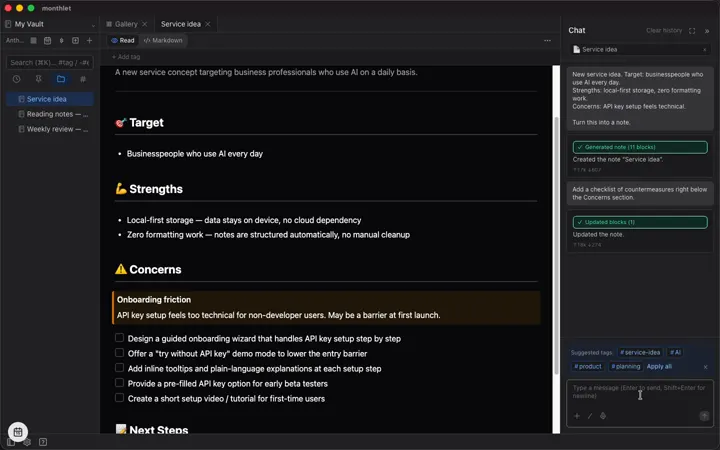
monthlet in a minute: a request in chat becomes a laid-out note.
These videos show monthlet in use, recorded from the real app. Most videos run around a minute, and you can select one to play it right on this page. The same videos are on our YouTube channel. YouTube channel
0:58monthlet in a minute: a request in chat becomes a laid-out note.
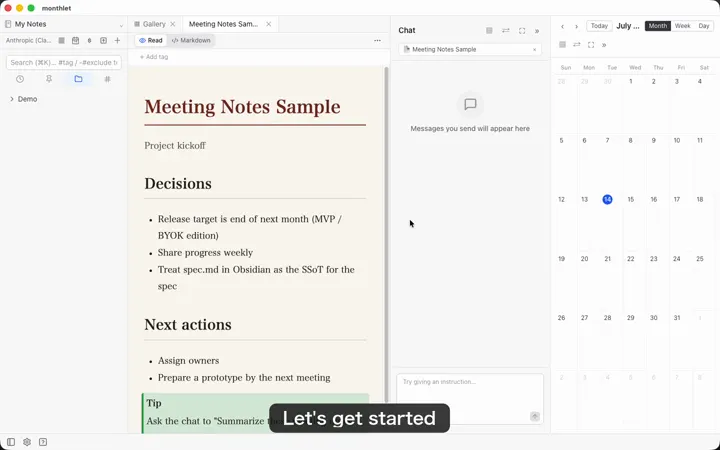 1:05
1:05From first launch to your first note: API key, theme, and a sample note.
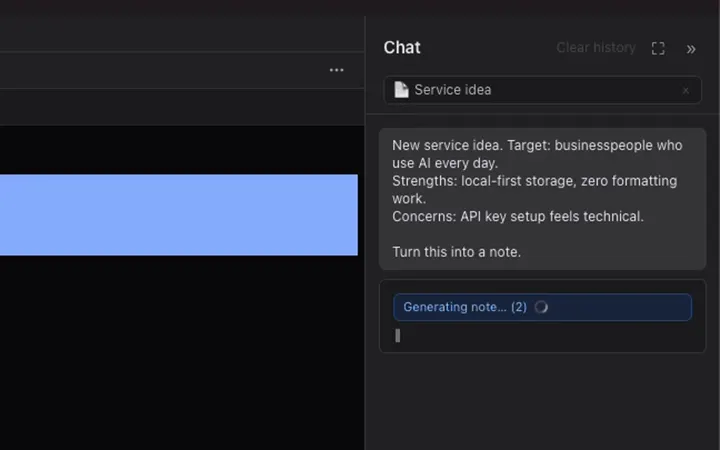 1:00
1:00A rough memo typed into chat becomes a structured note.
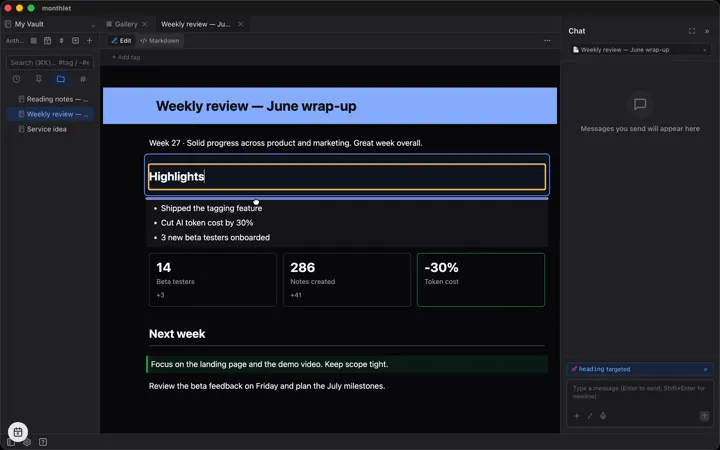 0:39
0:39Edit blocks directly, drag to reorder, and add new ones.
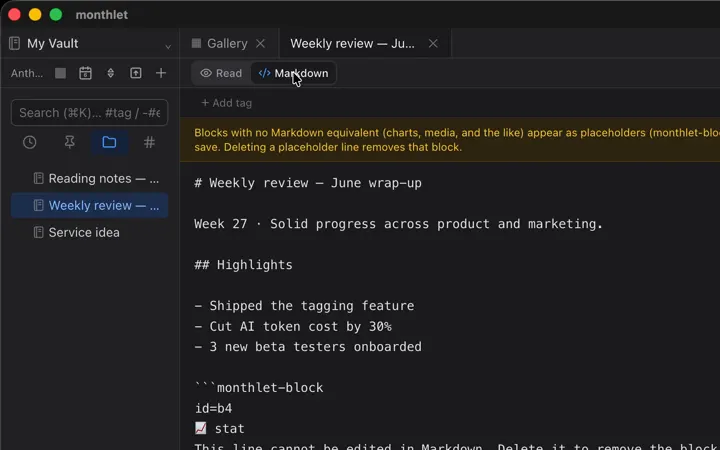 0:43
0:43Switch any note between view, edit, and raw Markdown.
 1:03
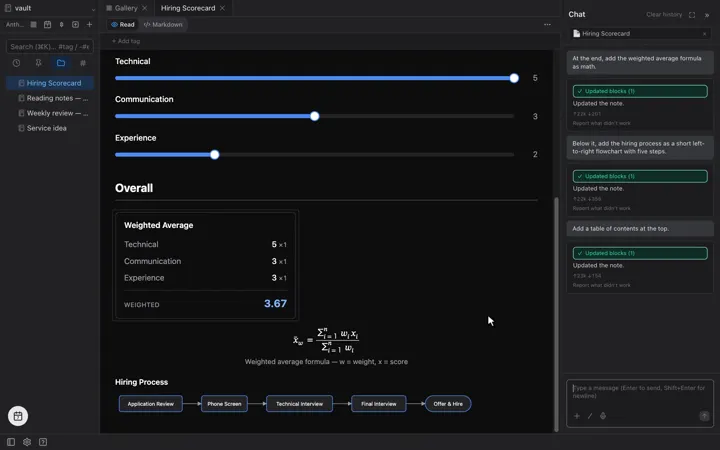
1:03Place sliders, status badges, math, and flowcharts from chat.
 1:06
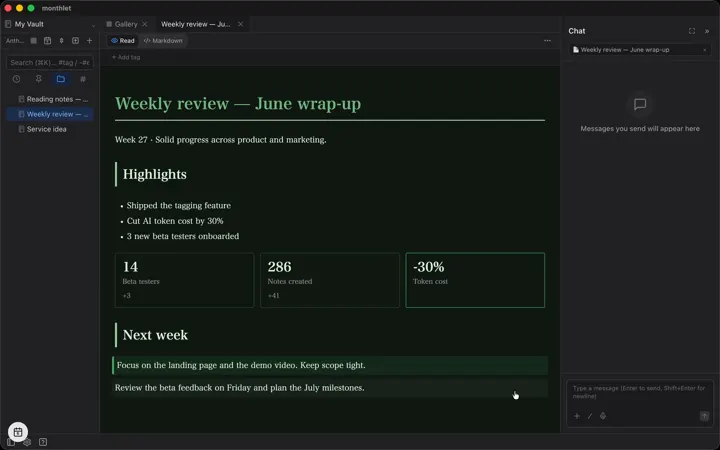
1:06Change the look of a whole note with one request.
 1:06
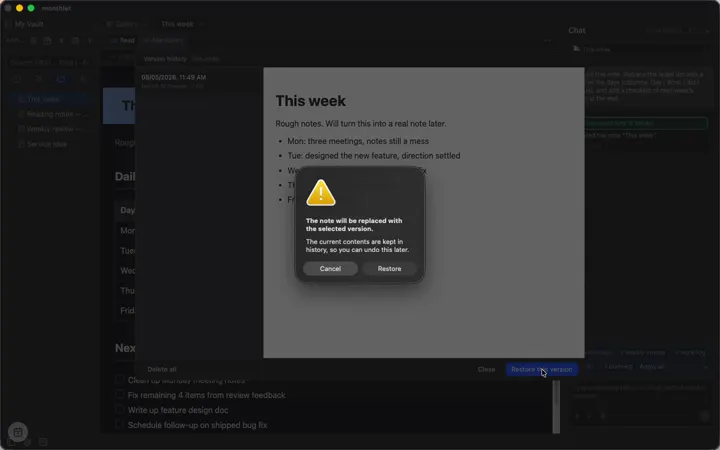
1:06Earlier versions are kept, so you can go back after an AI edit.
 0:47
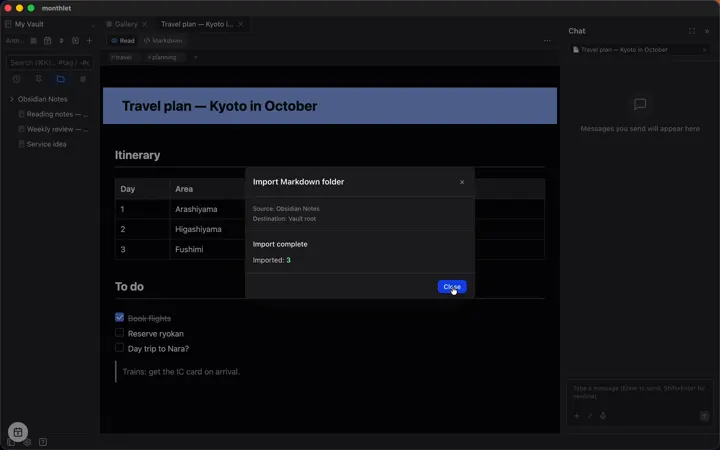
0:47Export to PDF or Markdown, and import Markdown folders.
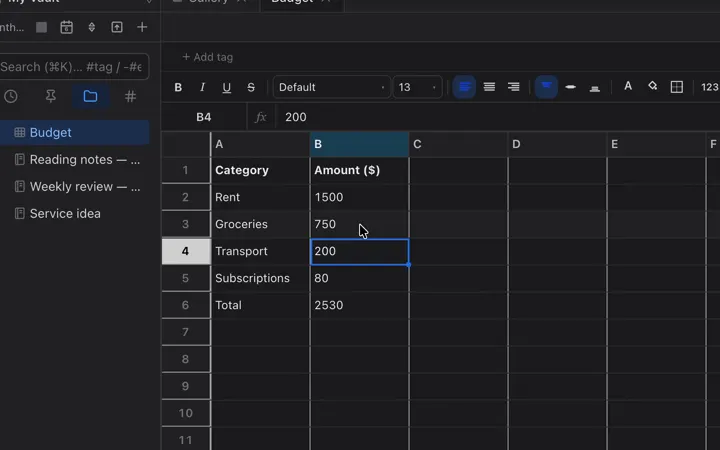 0:54
0:54A spreadsheet inside the note, with cell editing and formulas.
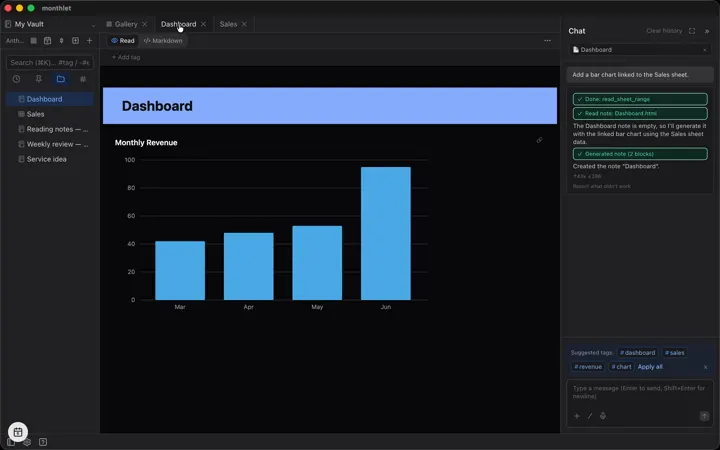 0:46
0:46Charts linked to a sheet update when you change a cell.
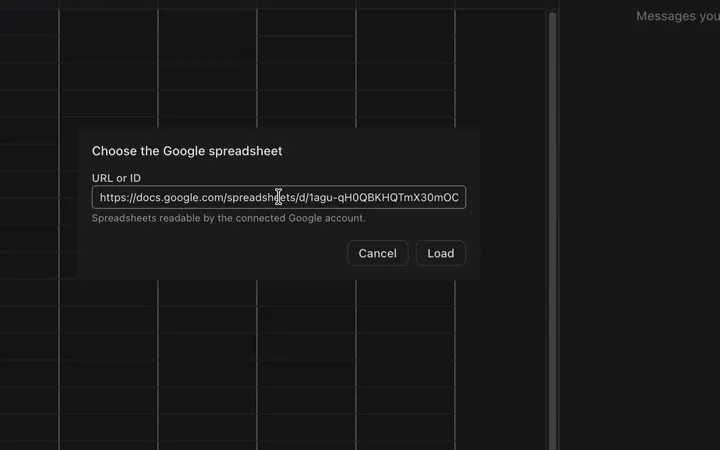 1:16
1:16Give the chat a Google Sheets URL and ask about the data.
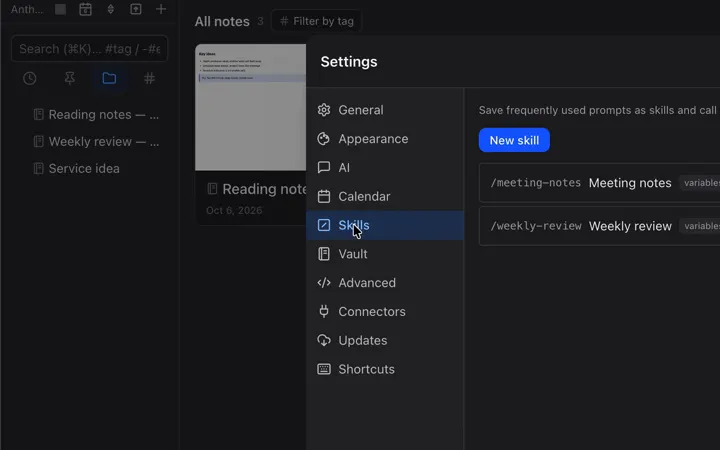 1:02
1:02Save a prompt you use often and run it as a slash command.
 0:44
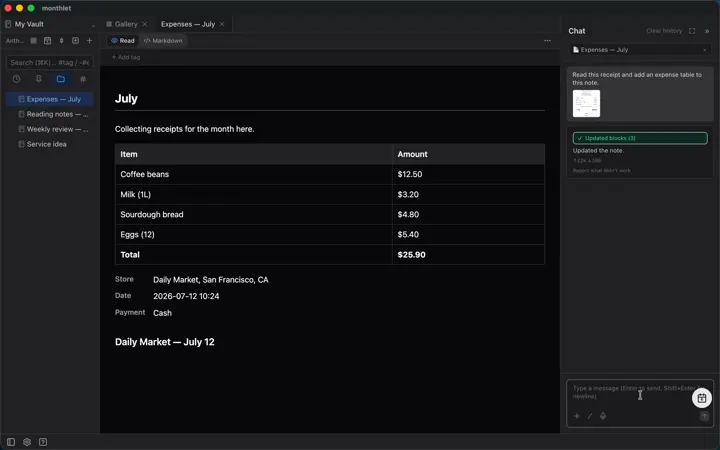
0:44Attach a photo, such as a receipt, and ask the AI about it.
 1:17
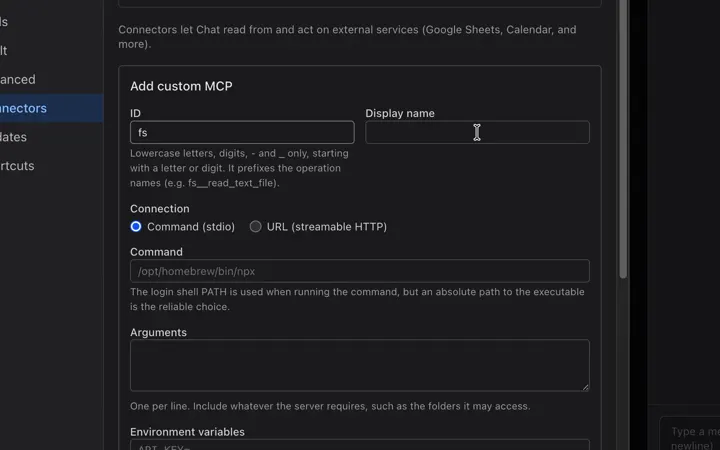
1:17Connect any MCP server and use it from chat.
 0:46
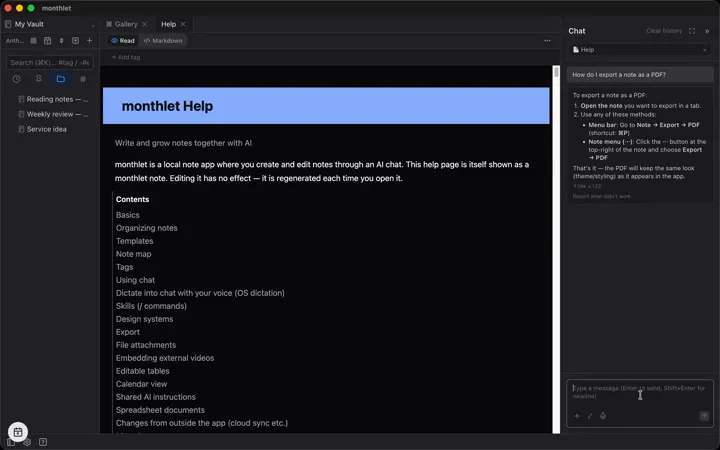
0:46Open the built-in help, or ask in chat how to do something.
 0:51
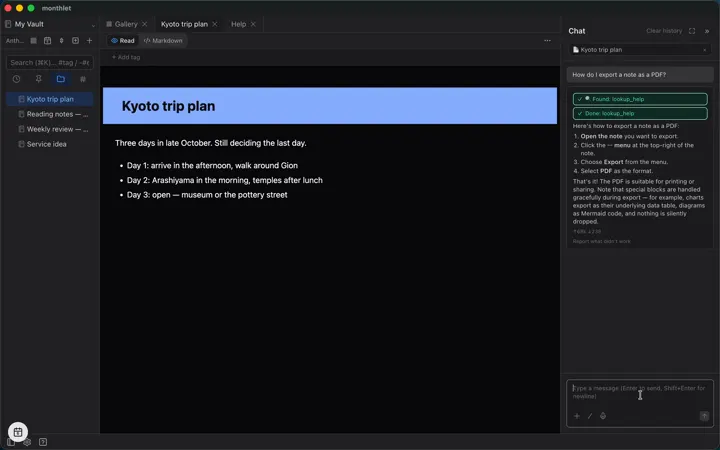
0:51Ask how to use the app; the AI looks it up in the bundled help.
 0:53
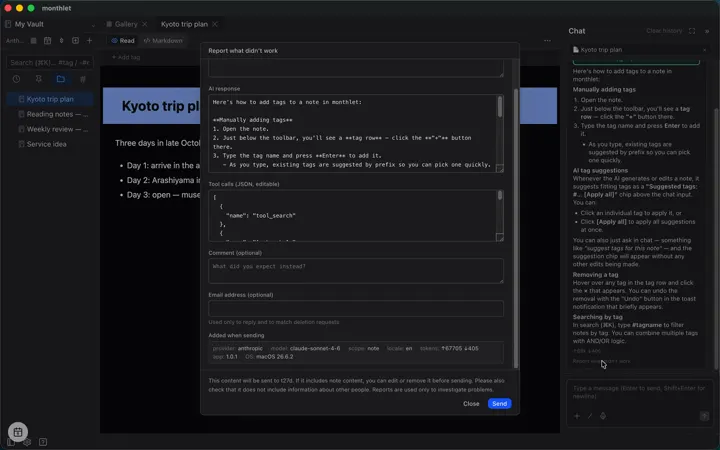
0:53Report a response that didn't work, after checking what is sent.