 monthlet
monthlet is a note app where you write and grow notes through AI chat. Each note is a single ordinary HTML file that also opens in a browser. The monthlet website now has a page that collects the videos showing how to use the app: https://monthlet.ai/videos/
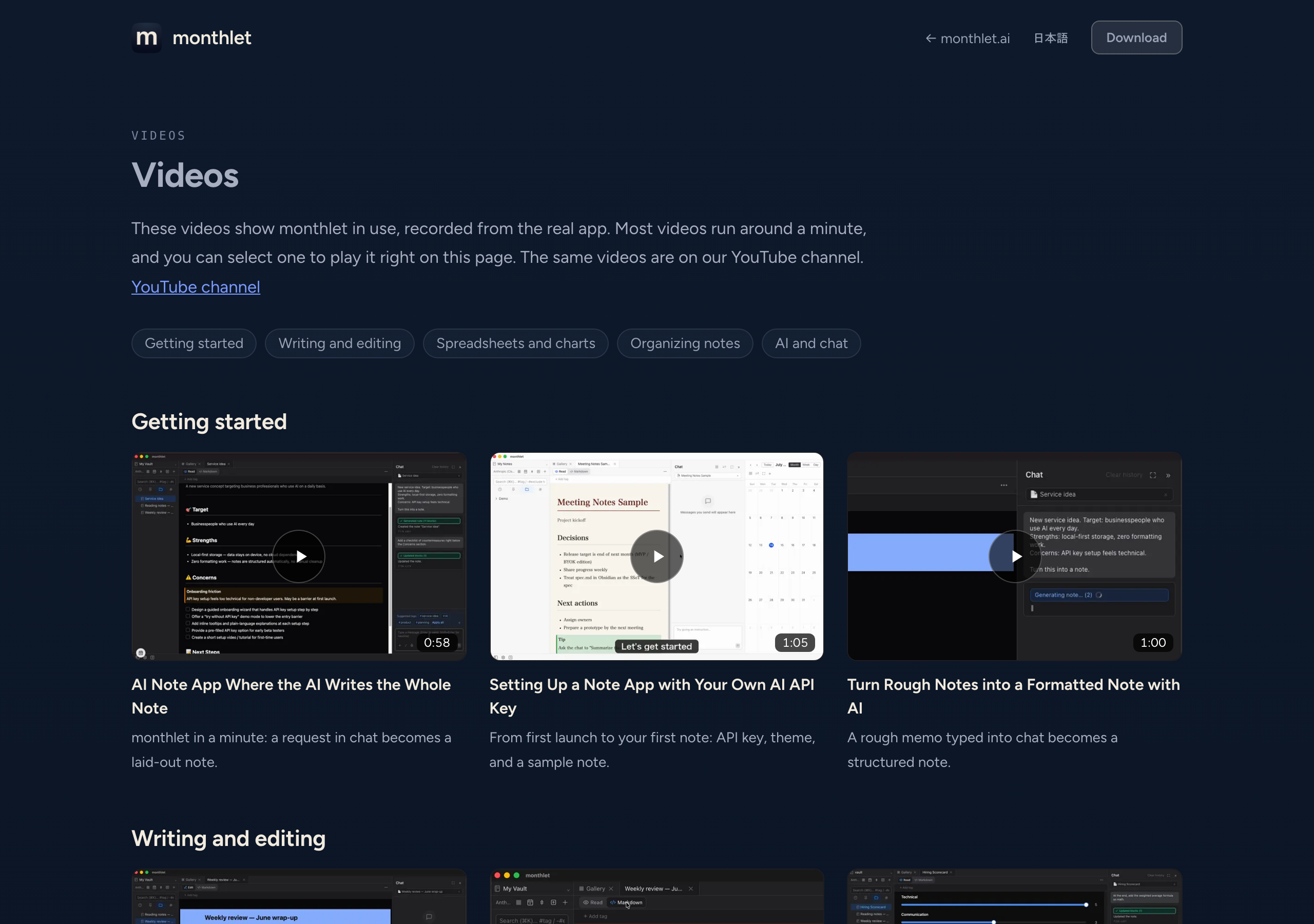
Organized by topic
The page lists 21 videos that walk through features in the app’s actual interface. Each one runs about a minute, and clicking plays it on the page. The same videos are also published on the YouTube channel.
The videos are divided into five topics.
-
Getting started (3 videos): a one-minute demo, initial setup, and going from a memo to a note
-
Writing and editing (6 videos): editing blocks directly, switching views, placing components, themes, change history, and export and import
-
Spreadsheets and charts (3 videos): spreadsheets, charts linked to a sheet, and importing from Google Sheets
-
Organizing notes (3 videos): tags, the calendar and daily notes, and the map of links between notes
-
AI and chat (6 videos): skills, asking questions with an image attached, registering MCP servers, in-app help, and reporting responses that didn’t work out
You can reach the page from the “Videos” link at the bottom of every page on the site, or from the News section on the home page.
Give it a try
monthlet runs on macOS (Apple Silicon) and Windows. The Windows version is available from the Microsoft Store. Enter your own AI API key and you can use every feature.
-
Download: https://monthlet.ai/download
-
Discord: https://discord.gg/aP4Hc7cJGU